Client Help
Welcome to your Client Hub
Your Client Hub is where you check on your website and ask us for help. We handle the rest.
What is the Client Hub?
Your Client Hub is the signed-in area where full-service clients can check on their website and ask us for help. Cyber Grapes hosts your site and takes care of the day-to-day work. The hub is a window into that work. It is not a control panel we expect you to operate.
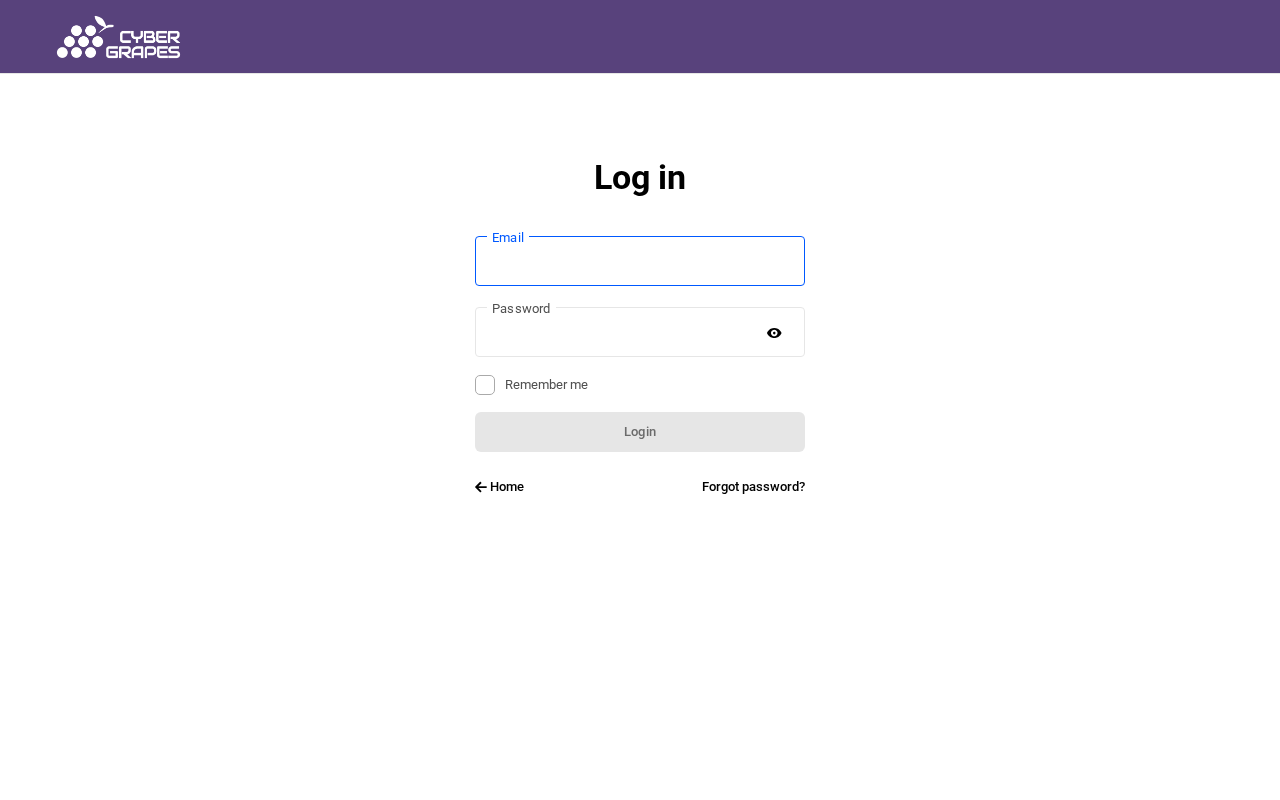
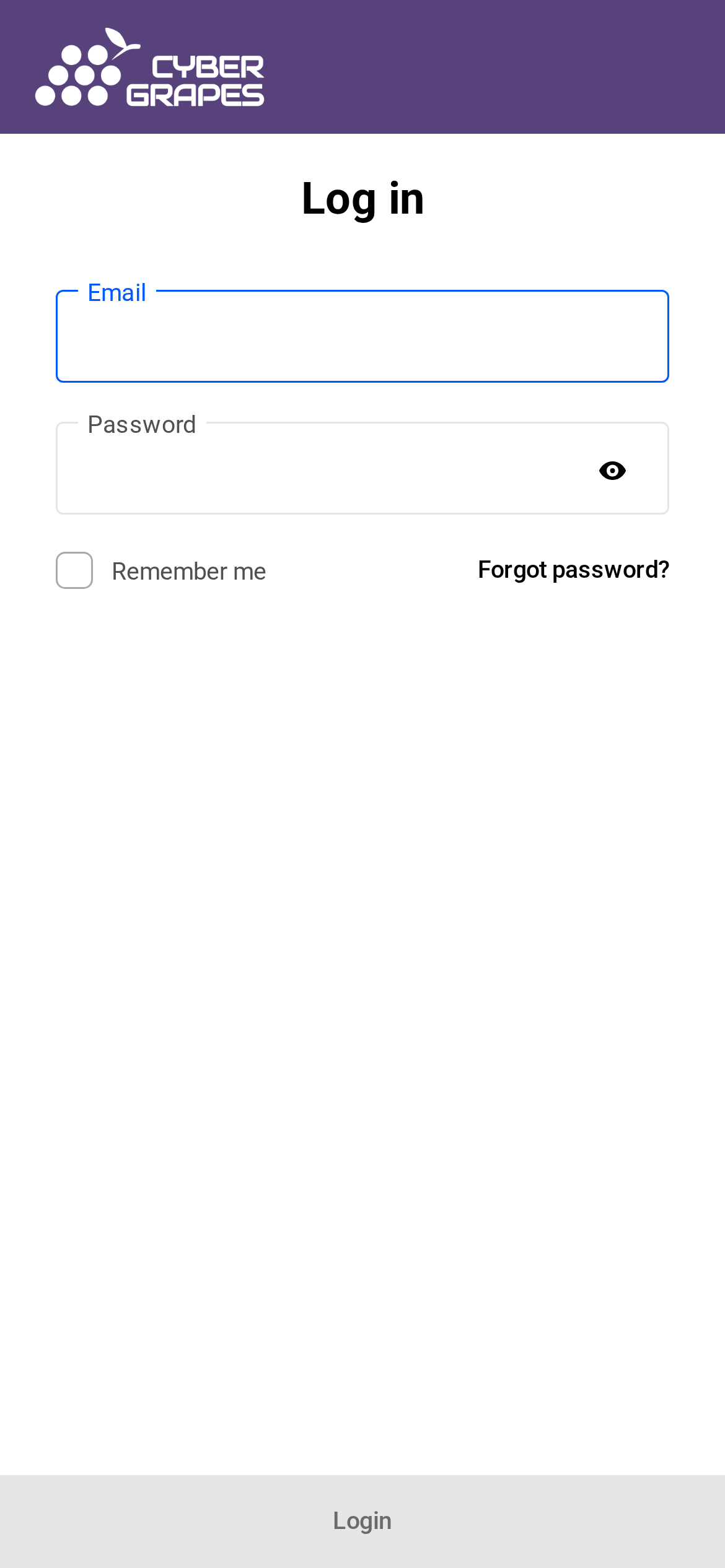
To sign in, go to Sign in to your Client Hub. You can also use the Sign In link in the site header. Both take you to the same login screen.
What will I see?
Before you sign in, you will see the Client Hub login screen, with fields for your email and password, a Remember me option, and a Forgot password? link. After you sign in, you will see your hub home, your site, and a way to get help, including logging a support ticket. Invoices are not in the hub; Cyber Grapes bills through Wave and emails you each invoice. Those signed-in views are covered in the pages that follow.
What do you handle for me?
We handle hosting, updates, backups, restores, security, and the technical care of your site. In the hub, full-service clients have view-only access to site status, and they can get help or log a support ticket. If a screen has a button that would change the site, such as restoring a backup or changing hosting settings, please do not use it. Ask us, and we will do that work.
When should I contact you?
Contact us any time you have a question, you need something changed, an invoice looks wrong, or your site does not look right. Log in to the Hub to chat with us or log a support ticket, or call 763-CGRAPES. You do not need to figure out the technical details first.
Next, see How do I log in and reset my password? if you are signing in for the first time.
Need more help?
Once you’re logged in, you can chat with us or log a support ticket.
Prefer the phone? 763-CGRAPES (763-247-2737)