Client Help
How do I log in and reset my password?
How to use your invitation, sign in at your Client Hub, and reset your password if you need to.
How do I get access and sign in?
We send you an invitation email when your Client Hub access is ready. Open the link in that email and set your password. After that, sign in any time at your Client Hub.
- Open the invitation email we sent you and follow the link to create your password.
- Go to your Client Hub login.
- Enter the email address we invited and the password you created.
- Choose Login. You can also check Remember me on a device you trust.
Screenshot coming
Invitation and first-time setup
A cropped, demo-only view of the invitation or create-your-password screen will appear here. No real client email will be shown.
What will I see on the login screen?
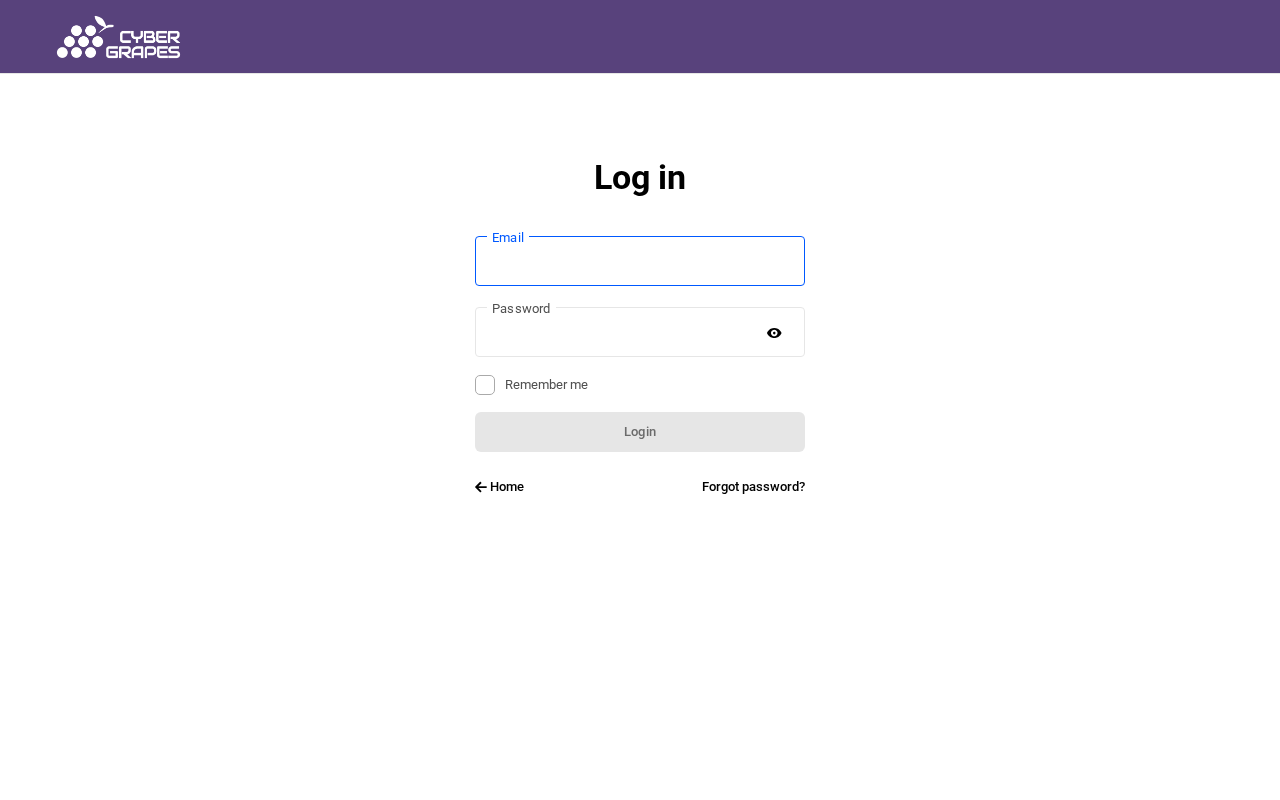
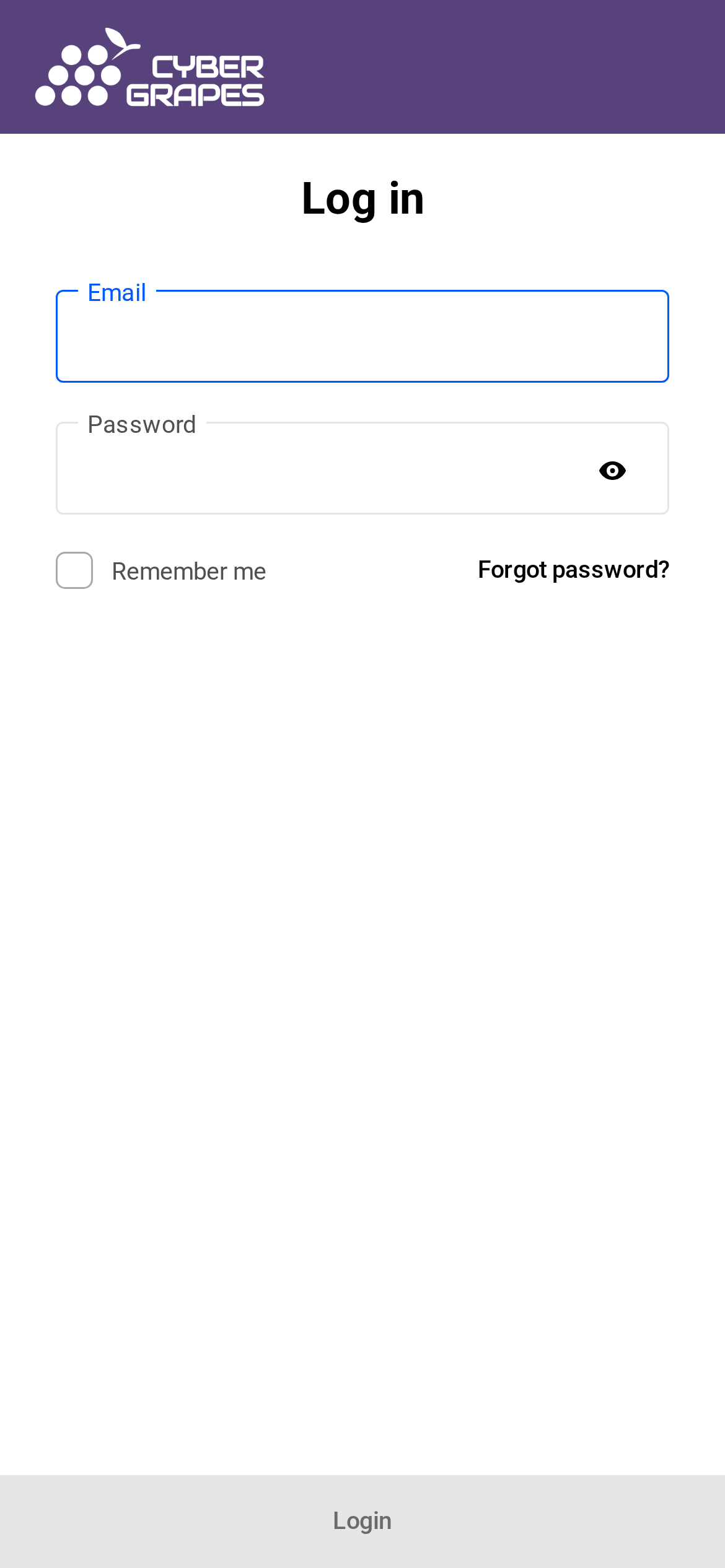
The login screen shows the Cyber Grapes logo, a Log in heading, an Email field, a Password field, a Remember me checkbox, and a Login button. There is a Home link and a Forgot password? link. On a phone, Forgot password? sits beside Remember me, and the Login button is at the bottom of the screen.
How do I reset my password?
On the login screen, choose Forgot password? Enter the email address on your account. We will send a reset message to that address. Follow the link in the message to choose a new password, then sign in again.
Where the reset email comes from
Password reset messages, and backup codes for two-factor login, may come from noreply@site-reports.com. That is expected. It is not a scam email. Other hub messages can still come from a Cyber Grapes address.
Screenshot coming
Forgot password screen
The form you see after choosing Forgot password? will appear here, taken from the logged-out hub with no client data.
What do you handle for me?
We create your hub access and send the invitation. If you do not get the email, or you cannot get back in, we can resend the invitation or help you reset access. You set and update your own password after that.
When should I contact you?
Contact us if the invitation never arrives (check your spam folder first), the reset message does not arrive, or you cannot sign in after a reset. If you can sign in, log in to the Hub to chat with us or log a support ticket. If you cannot sign in, call 763-CGRAPES or use the contact page.
To change your name, email, or turn on two-factor login after you are in, see How do I update my profile and turn on two-factor login?
Need more help?
Once you’re logged in, you can chat with us or log a support ticket.
Prefer the phone? 763-CGRAPES (763-247-2737)