
Skip to content
Cyber Grapes logo, grape-cluster icon beside the CYBER GRAPES wordmark, in grape purple on a transparent background

📞 763-247-2737

  • Sign In
  • Home
  • Free Tools
    • WordPress Plugins and Themes
    • WordPress Video Tutorials
    • WHOIS Database
    • JSON Visualizer
    • What CMS?
    • DNS Checker
    • What Is My IP?
  • WordPress Fixes
  • Care Plans
  • Blog
  • Help
  • Contact

No Contracts · Veteran-Owned · Based in Pennsylvania

Cyber Grapes logo, grape-cluster icon beside the CYBER GRAPES wordmark, in grape purple on a transparent background

📞 763-247-2737

  • Sign In
  • Home
  • Free Tools
    • WordPress Plugins and Themes
    • WordPress Video Tutorials
    • WHOIS Database
    • JSON Visualizer
    • What CMS?
    • DNS Checker
    • What Is My IP?
  • WordPress Fixes
  • Care Plans
  • Blog
  • Help
  • Contact
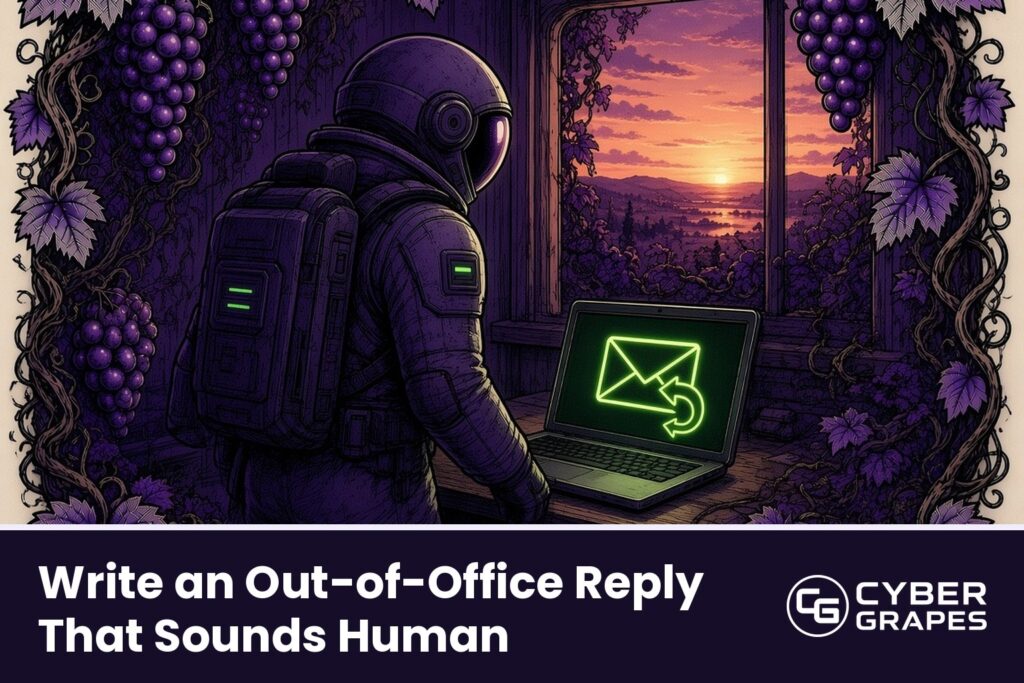
Comic-ink illustration: An astronaut with a backpack walks away from a desk where a laptop shows a glowing envelope with a curved return arrow, a window behind showing a calm sunset over vines, with the title "Write an Out-of-Office Reply That Sounds Human" and the Cyber Grapes logo.

Write an Out-of-Office Reply That Sounds Human

/ How To / By Cyber Grapes

Your out-of-office reply says “I am currently out of the office with limited access to email,” and everyone who reads it knows a robot wrote it. Here’s an easier way.

The three-line formula

  1. When you’re away and when you’re back.
  2. When people can expect a reply.
  3. Who to contact if it can’t wait.

That’s it. Skip the long explanation and the apologies.

A sample you can copy

Hi, thanks for your note. I’m away from [date] to [date] and will reply when I’m back on [date]. If it’s urgent, please contact [name] at [email or phone]. Talk soon, [your name]

Set it up

  1. Open your email settings.
  2. Look for “Automatic replies” (Outlook), “Vacation responder” (Gmail), or “Auto-reply” in your mail app.
  3. Turn it on and choose your start and end dates, so it shuts itself off.
  4. Paste your message.
  5. Send an email to yourself from another address to test it.

One more thing

If you have different people who email you, such as customers and vendors, keep the message simple enough that it works for both.

Stuck? Call 763-CGRAPES (763-247-2737) any hour. Real people, 24/7 sales and support.

Get email on your own domain

Chris, Cyber Grapes

← Previous Post
Next Post →
  • Home
  • Log a support ticket
  • Care Plans
  • Help Center
  • Contact Us
  • Blog

Cyber Grapes Services LLC, doing business as Cyber Grapes, is a veteran-owned, family-run internet services business based in Lehighton, PA. Use of this site is subject to our Terms of Service and Acceptable Use Policy. © 2026 Cyber Grapes. All rights reserved.

  • Privacy Policy
  • Terms of Service
  • Acceptable Use Policy
We use cookies to enhance your experience. By continuing to use this site, you agree to our use of cookies. Learn more You've opted out of cookies.